
Overview
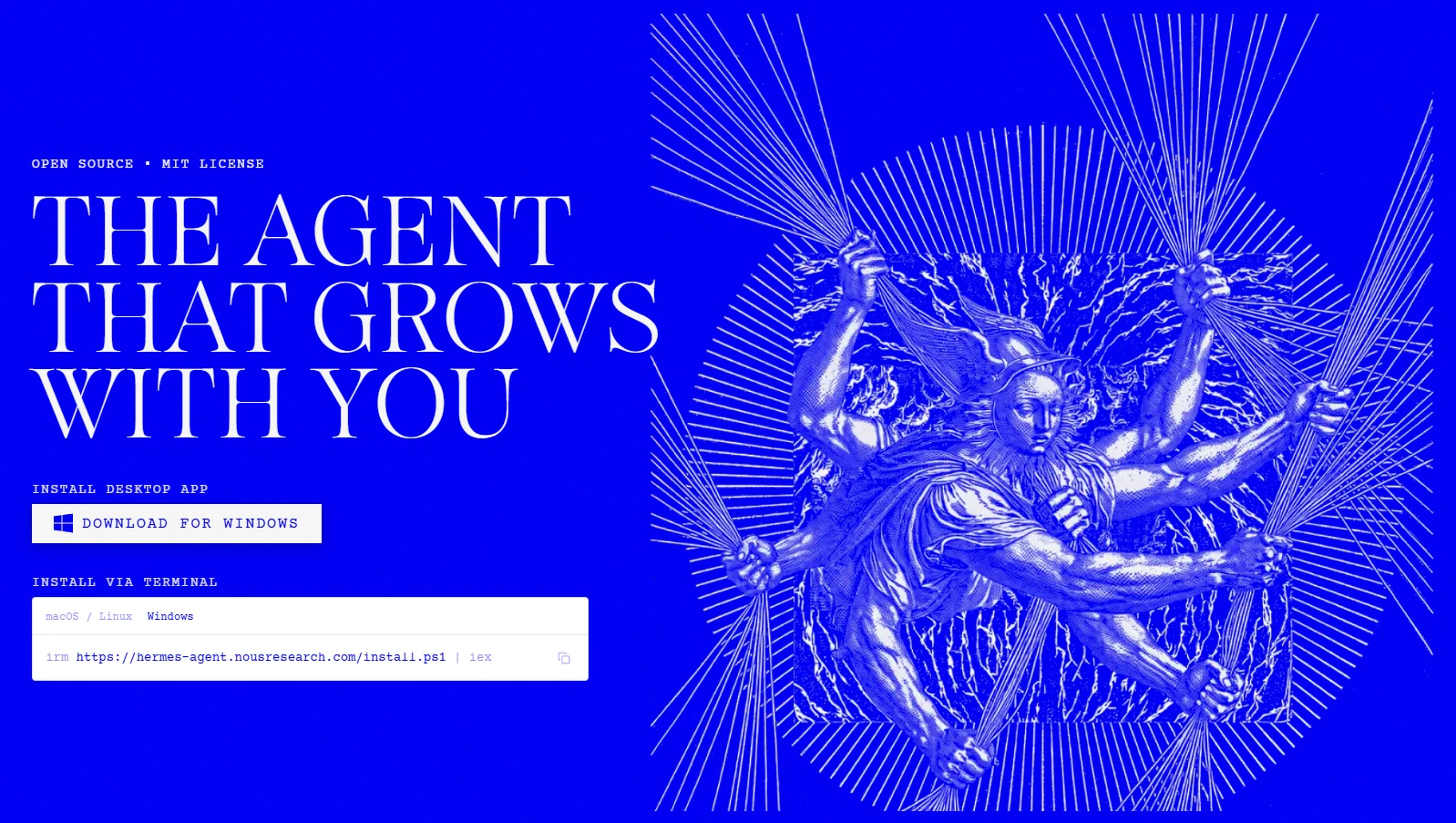
O Hermes Agent é um agente de IA de código aberto da Nous Research, desenvolvido para funcionar como um agente pessoal competente, e não apenas como um chatbot de conversação. Ele combina o raciocínio de modelos de linguagem com ferramentas que permitem ao agente trabalhar com arquivos, executar comandos e código, pesquisar recursos externos ou interagir com eles e realizar tarefas de várias etapas em nome do usuário.
Uma das ideias centrais do Hermes Agent é oferecer ao modelo um ambiente persistente no qual ele possa realizar trabalhos concretos. O agente pode usar ferramentas e fluxos de trabalho estruturados enquanto mantém o contexto entre diferentes tarefas, tornando-se útil para pesquisa, programação, automação, coleta de informações e outras atividades que exigem várias ações em vez de uma única resposta do modelo.
O projeto foi criado para usuários e desenvolvedores que procuram um framework de agentes extensível e conectado ao ecossistema de modelos Hermes. Sua abordagem de código aberto permite inspecionar, personalizar e ampliar as ferramentas e o comportamento do agente, em vez de depender exclusivamente de um assistente hospedado.
README

Hermes Agent ☤







The self-improving AI agent built by Nous Research. It's the only agent with a built-in learning loop — it creates skills from experience, improves them during use, nudges itself to persist knowledge, searches its own past conversations, and builds a deepening model of who you are across sessions. Run it on a $5 VPS, a GPU cluster, or serverless infrastructure that costs nearly nothing when idle. It's not tied to your laptop — talk to it from Telegram while it works on a cloud VM.
Use any model you want — Nous Portal, OpenRouter, OpenAI, your own endpoint, and many others. Switch with hermes model — no code changes, no lock-in.
| A real terminal interface | Full TUI with multiline editing, slash-command autocomplete, conversation history, interrupt-and-redirect, and streaming tool output. |
| Lives where you do | Telegram, Discord, Slack, WhatsApp, Signal, and CLI — all from a single gateway process. Voice memo transcription, cross-platform conversation continuity. |
| A closed learning loop | Agent-curated memory with periodic nudges. Autonomous skill creation after complex tasks. Skills self-improve during use. FTS5 session search with LLM summarization for cross-session recall. Honcho dialectic user modeling. Compatible with the agentskills.io open standard. |
| Scheduled automations | Built-in cron scheduler with delivery to any platform. Daily reports, nightly backups, weekly audits — all in natural language, running unattended. |
| Delegates and parallelizes | Spawn isolated subagents for parallel workstreams. Write Python scripts that call tools via RPC, collapsing multi-step pipelines into zero-context-cost turns. |
| Runs anywhere, not just your laptop | Six terminal backends — local, Docker, SSH, Singularity, Modal, and Daytona. Daytona and Modal offer serverless persistence — your agent's environment hibernates when idle and wakes on demand, costing nearly nothing between sessions. Run it on a $5 VPS or a GPU cluster. |
| Research-ready | Batch trajectory generation, trajectory compression for training the next generation of tool-calling models. |
Quick Install
Linux, macOS, WSL2, Termux
curl -fsSL https://hermes-agent.nousresearch.com/install.sh | bash
Windows (native, PowerShell)
Heads up: Native Windows runs Hermes without WSL — CLI, gateway, TUI, and tools all work natively. If you'd rather use WSL2, the Linux/macOS one-liner above works there too. Found a bug? Please file issues.
Run this in PowerShell:
iex (irm https://hermes-agent.nousresearch.com/install.ps1)
The installer handles everything: uv, Python 3.11, Node.js, ripgrep, ffmpeg, and a portable Git Bash (MinGit, unpacked to %LOCALAPPDATA%\hermes\git — no admin required, completely isolated from any system Git install). Hermes uses this bundled Git Bash to run shell commands.
If you already have Git installed, the installer detects it and uses that instead. Otherwise a ~45MB MinGit download is all you need — it won't touch or interfere with any system Git.
Android / Termux: The tested manual path is documented in the Termux guide. On Termux, Hermes installs a curated
.[termux]extra because the full.[all]extra currently pulls Android-incompatible voice dependencies.Windows: Native Windows is fully supported — the PowerShell one-liner above installs everything. If you'd rather use WSL2, the Linux command works there too. Native Windows install lives under
%LOCALAPPDATA%\hermes; WSL2 installs under~/.hermesas on Linux.
After installation:
source ~/.bashrc    # reload shell (or: source ~/.zshrc)
hermes              # start chatting!
Troubleshooting
Windows Defender or antivirus flags uv.exe as malware
If your antivirus (Bitdefender, Windows Defender, etc.) quarantines uv.exe from the Hermes bin folder (%LOCALAPPDATA%\hermes\bin\uv.exe), this is a false positive. The file is Astral's uv — the Rust Python package manager Hermes bundles to manage its Python environment. ML-based antivirus engines commonly flag unsigned Rust binaries that download and install packages.
To verify your copy is authentic:
# Install GitHub CLI if needed
winget install --id GitHub.cli

# Login to GitHub
gh auth login

# Run verification
$uv = "$env:LOCALAPPDATA\hermes\bin\uv.exe"
$ver = (& $uv --version).Split(' ')[1]
[Net.ServicePointManager]::SecurityProtocol = [Net.SecurityProtocolType]::Tls12
$zip = "$env:TEMP\uv.zip"
Invoke-WebRequest "https://github.com/astral-sh/uv/releases/download/$ver/uv-x86_64-pc-windows-msvc.zip" -OutFile $zip -UseBasicParsing
gh attestation verify $zip --repo astral-sh/uv
Expand-Archive $zip "$env:TEMP\uv_x" -Force
(Get-FileHash "$env:TEMP\uv_x\uv.exe").Hash -eq (Get-FileHash $uv).Hash
If attestation says "Verification succeeded" and the last line prints True, you're good.
To whitelist Hermes:
- Windows Defender: Run PowerShell as Admin →
Add-MpPreference -ExclusionPath "$env:LOCALAPPDATA\hermes\bin" - Bitdefender: Add an exception in the Bitdefender console (Protection > Antivirus > Settings > Manage Exceptions)
- Whitelist the folder, not the file hash — Hermes updates
uvand the hash changes every version
For more context, see the upstream Astral reports: astral-sh/uv#13553, astral-sh/uv#15011, astral-sh/uv#10079.
Getting Started
hermes              # Interactive CLI — start a conversation
hermes model        # Choose your LLM provider and model
hermes tools        # Configure which tools are enabled
hermes config set   # Set individual config values
hermes config get   # Print individual config values
hermes gateway      # Start the messaging gateway (Telegram, Discord, etc.)
hermes setup        # Run the full setup wizard (configures everything at once)
hermes claw migrate # Migrate from OpenClaw (if coming from OpenClaw)
hermes update       # Update to the latest version
hermes doctor       # Diagnose any issues
Skip the API-key collection — Nous Portal
Hermes works with whatever provider you want — that's not changing. But if you'd rather not collect five separate API keys for the model, web search, image generation, TTS, and a cloud browser, Nous Portal covers all of them under one subscription:
- 300+ models — pick any of them with
/model <name> - Tool Gateway — web search (Firecrawl), image generation (FAL), text-to-speech (OpenAI), cloud browser (Browser Use), all routed through your sub. No extra accounts.
One command from a fresh install:
hermes setup --portal
That logs you in via OAuth, sets Nous as your provider, and turns on the Tool Gateway. Check what's wired up any time with hermes portal info. Full details on the Tool Gateway docs page.
You can still bring your own keys per-tool whenever you want — the gateway is per-backend, not all-or-nothing.
CLI vs Messaging Quick Reference
Hermes has two entry points: start the terminal UI with hermes, or run the gateway and talk to it from Telegram, Discord, Slack, WhatsApp, Signal, or Email. Once you're in a conversation, many slash commands are shared across both interfaces.
| Action | CLI | Messaging platforms |
|---|---|---|
| Start chatting | hermes | Run hermes gateway setup + hermes gateway start, then send the bot a message |
| Start fresh conversation | /new or /reset | /new or /reset |
| Change model | /model [provider:model] | /model [provider:model] |
| Set a personality | /personality [name] | /personality [name] |
| Retry or undo the last turn | /retry, /undo | /retry, /undo |
| Compress context / check usage | /compress, /usage, /insights [--days N] | /compress, /usage, /insights [days] |
| Browse skills | /skills or /<skill-name> | /<skill-name> |
| Interrupt current work | Ctrl+C or send a new message | /stop or send a new message |
| Platform-specific status | /platforms | /status, /sethome |
For the full command lists, see the CLI guide and the Messaging Gateway guide.
Documentation
All documentation lives at hermes-agent.nousresearch.com/docs:
| Section | What's Covered |
|---|---|
| Quickstart | Install → setup → first conversation in 2 minutes |
| CLI Usage | Commands, keybindings, personalities, sessions |
| Configuration | Config file, providers, models, all options |
| Messaging Gateway | Telegram, Discord, Slack, WhatsApp, Signal, Home Assistant |
| Security | Command approval, DM pairing, container isolation |
| Tools & Toolsets | 40+ tools, toolset system, terminal backends |
| Skills System | Procedural memory, Skills Hub, creating skills |
| Memory | Persistent memory, user profiles, best practices |
| MCP Integration | Connect any MCP server for extended capabilities |
| Cron Scheduling | Scheduled tasks with platform delivery |
| Context Files | Project context that shapes every conversation |
| Architecture | Project structure, agent loop, key classes |
| Contributing | Development setup, PR process, code style |
| CLI Reference | All commands and flags |
| Environment Variables | Complete env var reference |
Migrating from OpenClaw
If you're coming from OpenClaw, Hermes can automatically import your settings, memories, skills, and API keys.
During first-time setup: The setup wizard (hermes setup) automatically detects ~/.openclaw and offers to migrate before configuration begins.
Anytime after install:
hermes claw migrate              # Interactive migration (full preset)
hermes claw migrate --dry-run    # Preview what would be migrated
hermes claw migrate --preset user-data   # Migrate without secrets
hermes claw migrate --overwrite  # Overwrite existing conflicts
What gets imported:
- SOUL.md — persona file
- Memories — MEMORY.md and USER.md entries
- Skills — user-created skills →
~/.hermes/skills/openclaw-imports/ - Command allowlist — approval patterns
- Messaging settings — platform configs, allowed users, working directory
- API keys — allowlisted secrets (Telegram, OpenRouter, OpenAI, Anthropic, ElevenLabs)
- TTS assets — workspace audio files
- Workspace instructions — AGENTS.md (with
--workspace-target)
See hermes claw migrate --help for all options, or use the openclaw-migration skill for an interactive agent-guided migration with dry-run previews.
Contributing
We welcome contributions! See the Contributing Guide for development setup, code style, and PR process.
Quick start for contributors — use the standard installer, then work from the
full git checkout it creates at $HERMES_HOME/hermes-agent (usually
~/.hermes/hermes-agent). This matches the layout used by hermes update, the
managed venv, lazy dependencies, gateway, and docs tooling.
curl -fsSL https://hermes-agent.nousresearch.com/install.sh | bash
cd "${HERMES_HOME:-$HOME/.hermes}/hermes-agent"
uv pip install -e ".[all,dev]"
scripts/run_tests.sh
Manual clone fallback (for throwaway clones/CI where you intentionally do not want the managed install layout):
Create the venv outside the cloned source tree — a venv inside the directory the agent operates from can be wiped by a relative-path command the agent runs against its own checkout, destroying the running runtime mid-session.
curl -LsSf https://astral.sh/uv/install.sh | sh
uv venv ~/.hermes/venvs/hermes-dev --python 3.11
source ~/.hermes/venvs/hermes-dev/bin/activate
uv pip install -e ".[all,dev]"
scripts/run_tests.sh
Community
- 💬 Discord
- 📚 Skills Hub
- 🐛 Issues
- 🔌 computer-use-linux — Linux desktop-control MCP server for Hermes and other MCP hosts, with AT-SPI accessibility trees, Wayland/X11 input, screenshots, and compositor window targeting.
- 🔌 HermesClaw — Community WeChat bridge: Run Hermes Agent and OpenClaw on the same WeChat account.
License
MIT — see LICENSE.
Built by Nous Research.
Versões
Ainda não foram adicionadas informações de versões.
Artigos relacionados
Guias e notícias que mencionam esta ferramenta.

Agentes de IA no Zapier, Make e n8n: qual é o melhor?
O que é o n8n? A ferramenta open source de automação de workflows explicada
Agente de apoio ao cliente com IA no WhatsApp
Conversar com a sua base de dados usando IA

Criar um assistente de IA no Telegram (voz + texto) com o n8n
Criar um assistente de IA no WhatsApp (voz + texto) com o n8n
Complete your AI stack
Add a general assistant, research, coding, monitoring, and team productivity to your automations.


Melhores alternativas
Compare ferramentas semelhantes na mesma categoria.



