Best AI Tools to Edit images
Modify, retouch, or transform existing images.
Showing 6 of 6 tools
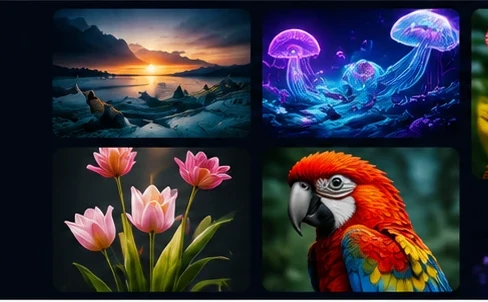
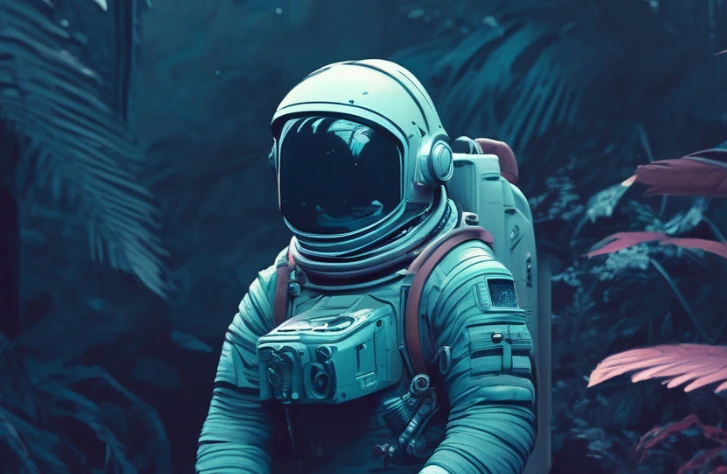





AI image editors change existing pictures with simple instructions: remove objects, replace the background, extend the frame, change colors or style, retouch portraits and fix lighting. Edits that once took skilled work in a photo editor can now take seconds.
Choosing an AI image editor
Check which edits you need most and test them on your own photos. Compare selection accuracy, how natural edited areas look, maximum resolution, batch support and whether the tool works inside your existing design software or as a separate app.
Keep edits honest
Product photos and real-estate or news images should not mislead viewers about what is real. Keep the original files, and check licensing for any generated elements added to a commercial image.
FAQ
Can AI remove objects or people from photos?
Yes. Most AI editors can remove unwanted objects and fill the area realistically, though complex backgrounds may need a second try.
Do I need Photoshop skills to edit with AI?
No. Many tools work with plain-language instructions or a simple brush, while professional editors add AI features inside familiar software.