Overview
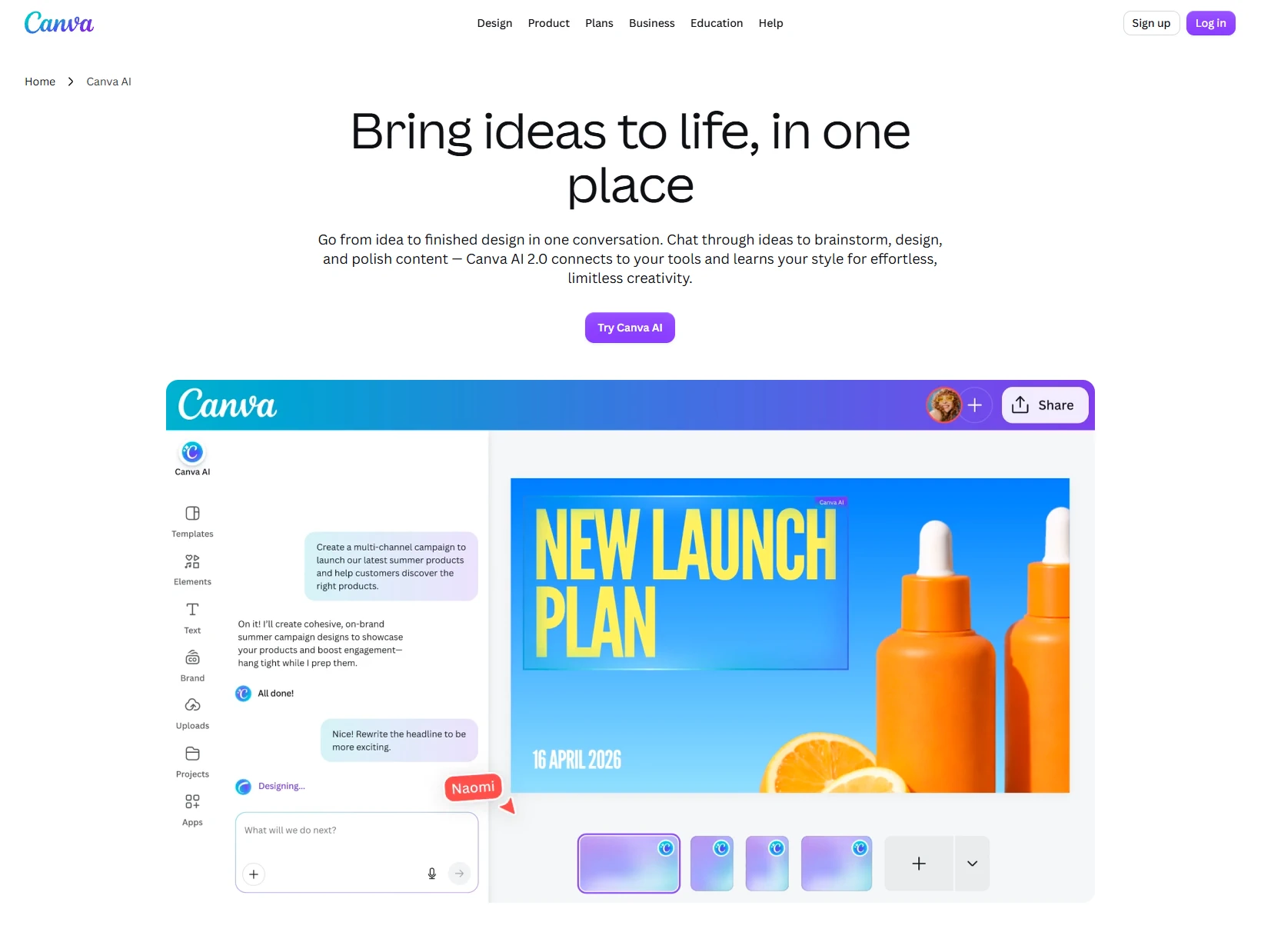
Canva AI is Canva’s built-in AI creative assistant designed to help users create, edit, and refine visual content through natural language. Integrated across Canva’s Visual Suite, it can generate presentations, social media posts, images, documents, text, code, and video clips while helping users brainstorm ideas and modify existing designs. Canva AI 2.0 expands this experience from one-off generation into conversational creation, allowing users to continue chatting with the AI inside the editor to refine designs, change individual elements, and develop content from an initial idea to a finished asset.
Beyond content generation, Canva AI can use uploaded files, existing Canva designs, connected apps, and web sources as context for prompts. Features such as Memory Library help users make updates without starting over, while Web Research can provide richer and more up-to-date information. Canva AI 2.0 can also schedule recurring or one-time tasks to automatically create or update content, making it useful for ongoing creative workflows such as marketing materials, presentations, social content, and branded assets.
Canva provides limited AI capabilities to Free and Education users, including access to Canva AI 1.0 and selected tools such as Magic Write and Background Remover. Full Canva AI 2.0 functionality, including features such as Memory Library and Connectors, is available through eligible paid and organizational plans including Canva Pro, Teams, Business, and Nonprofit. Overall, Canva AI combines generative AI with Canva’s established design environment, making it particularly useful for individuals and teams that want to create and refine visual content without moving between separate AI and design tools.
Releases
Release information has not been added yet.
Complete your AI stack
Add a general assistant, research, coding, monitoring, and team productivity to your automations.



Best alternatives
Compare similar tools in the same category.