
Pricing
$0
Freemium
Overview
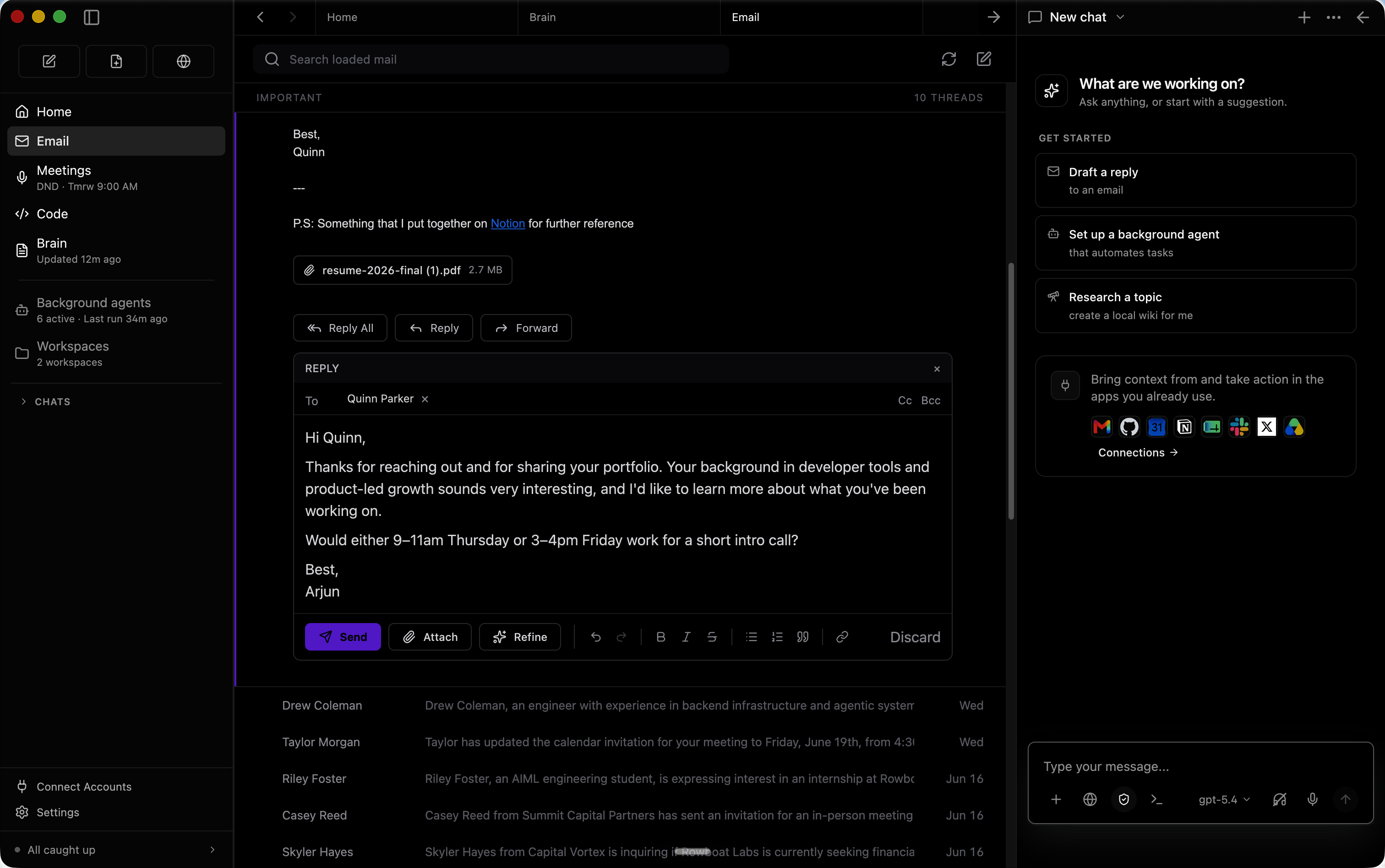
Brain Rowboat indexes email, meetings, slack and assistant conversations into a living Obsidian-style backlinked knowledge graph. Email The built-in email client sorts emails into important and everything else. Rowboat automatically drafts responses for important email using all the work context. Background agents You can set up background agents that run on events like new email or on schedule like every day at 8am. They can connect to tools, search the web, use the browser and write code using Claude Code or Codex.
To use Exa research search (optional), add the Exa API key in /.rowboat/config/exa-search.json.
README
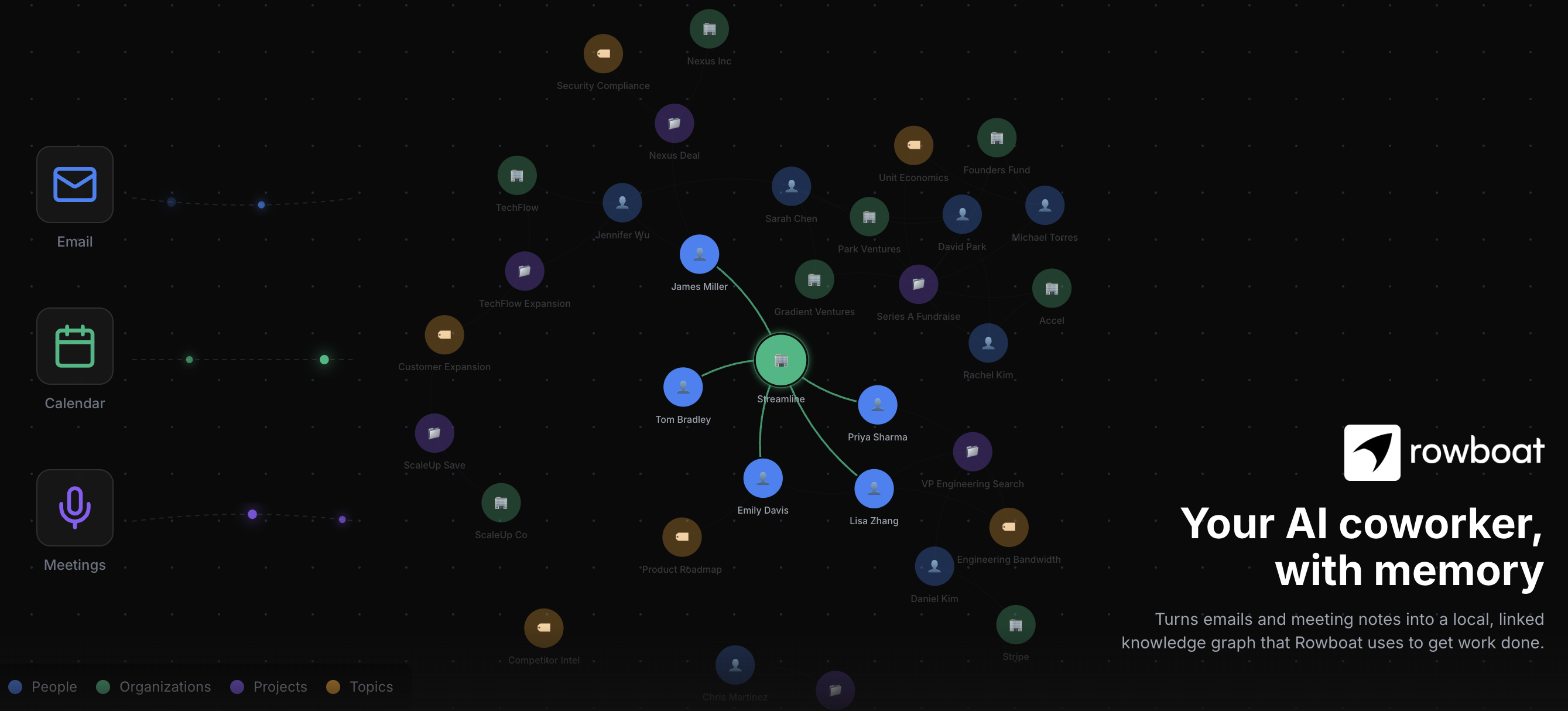
Rowboat
A desktop AI coworker with a memory of your work and built-in surfaces to act on it.




简体中文 · 日本語 · 한국어 · Español · Français · Português
Rowboat indexes your work into a living knowledge graph and uses that to get work done on your machine. It includes work surfaces for collaborating with AI: email client, notes, browser, code mode, meeting note taker, and workspaces for different projects.
Download latest for Mac/Windows/Linux: Download
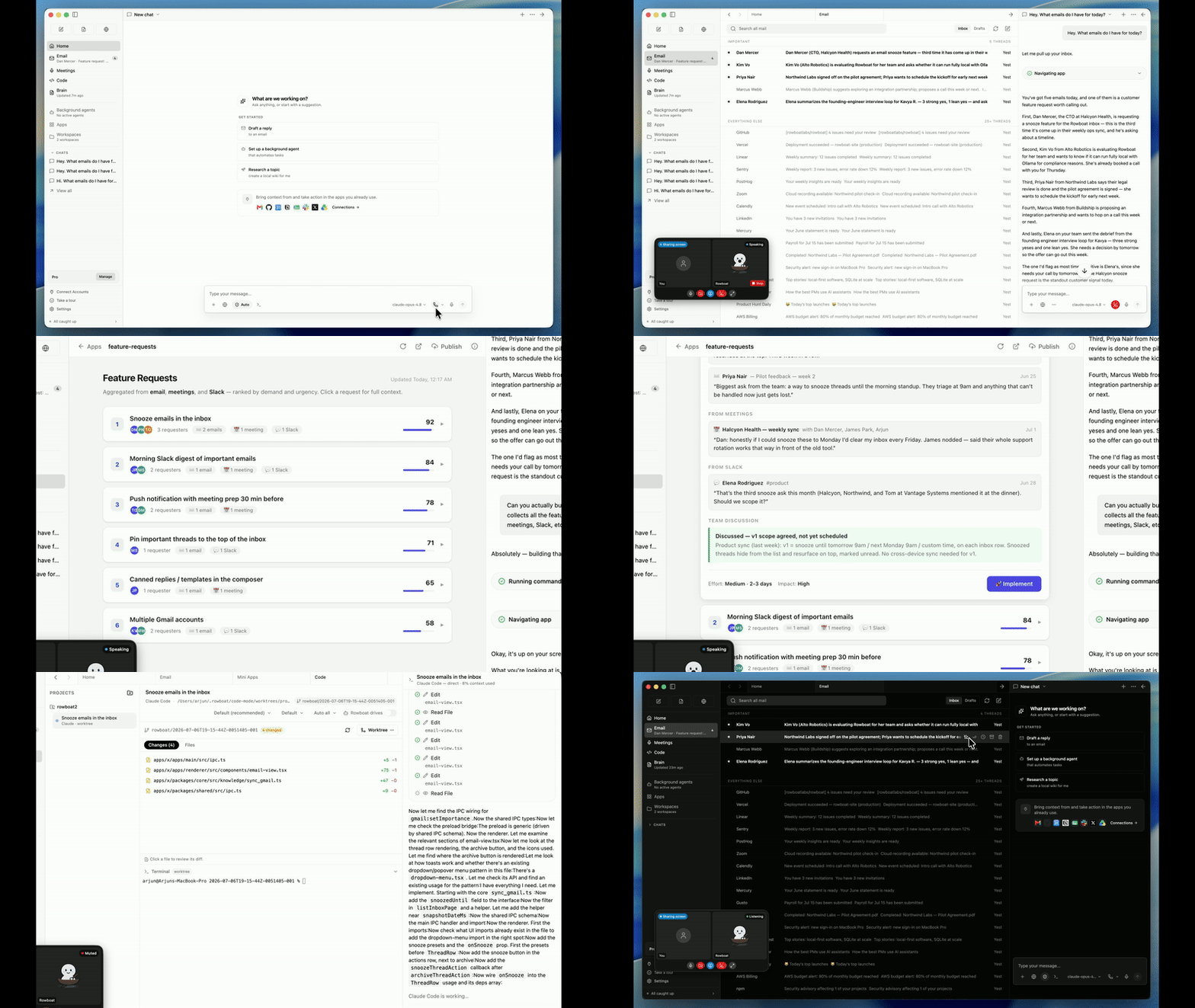
Demo - apps to code · Demo - knowledge graph
⭐ If you find Rowboat useful, please star the repo. It helps more people find it.
Overview
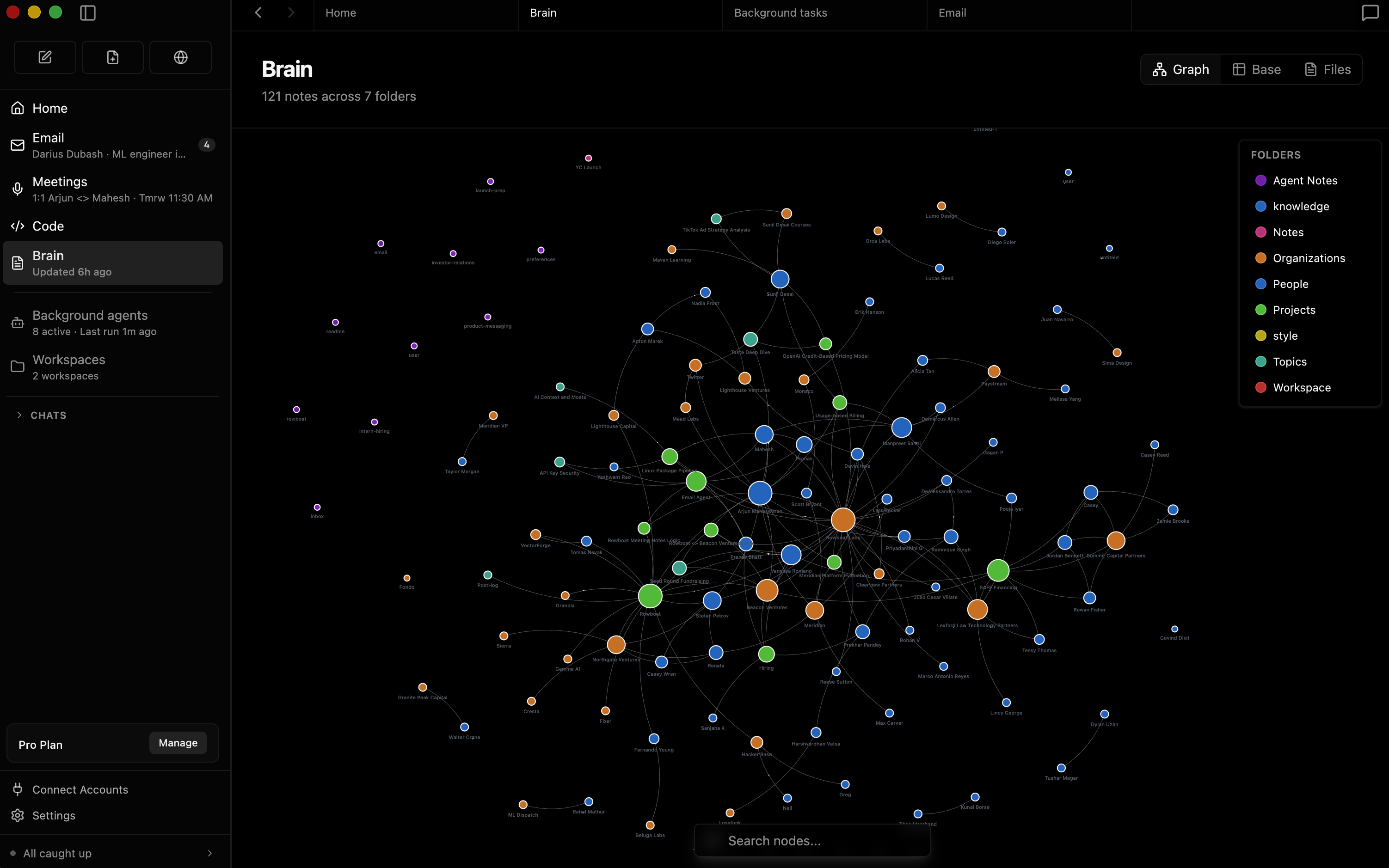
BrainRowboat indexes email, meetings, slack and assistant conversations into a living Obsidian-style backlinked knowledge graph. |
|
|
|
|
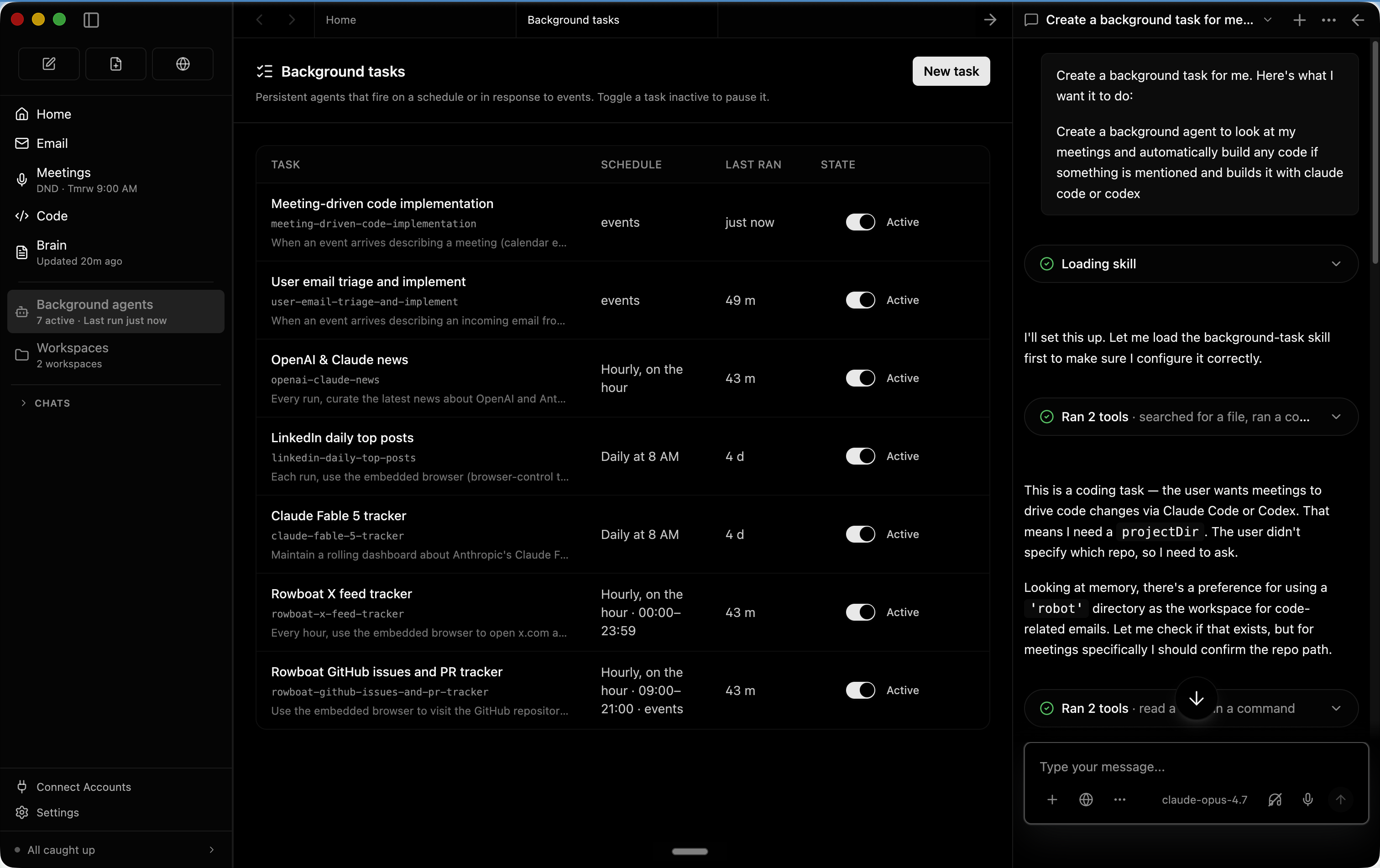
Background agentsYou can set up background agents that run on events like new email or on schedule like every day at 8am. They can connect to tools, search the web, use the browser and write code using Claude Code or Codex. |
|
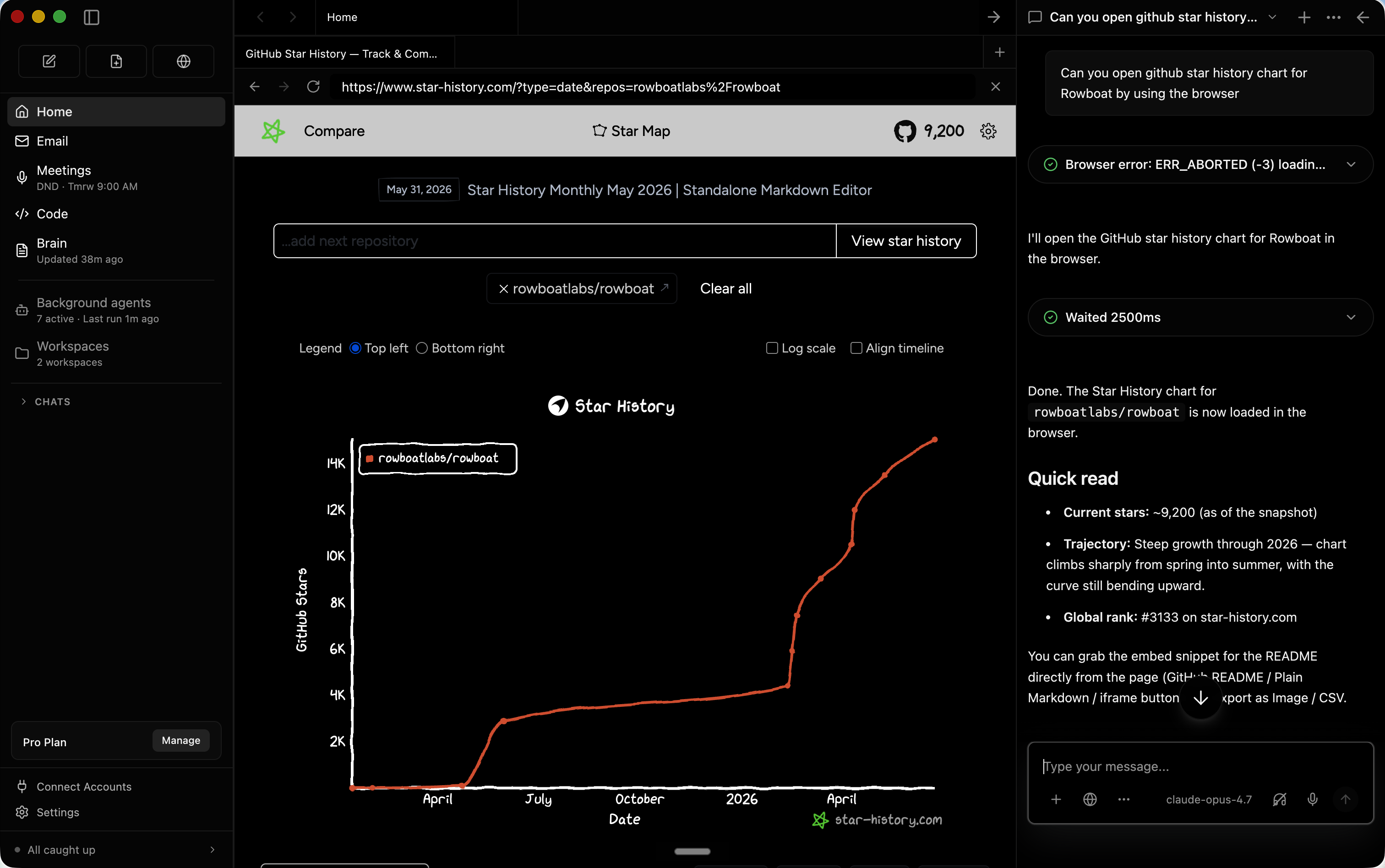
Built-in BrowserRowboat includes a browser that lets you and assistant collaborate on web tasks. Because it's isolated from your main browser, you can log in only to the accounts that want the assistant to access. |
|
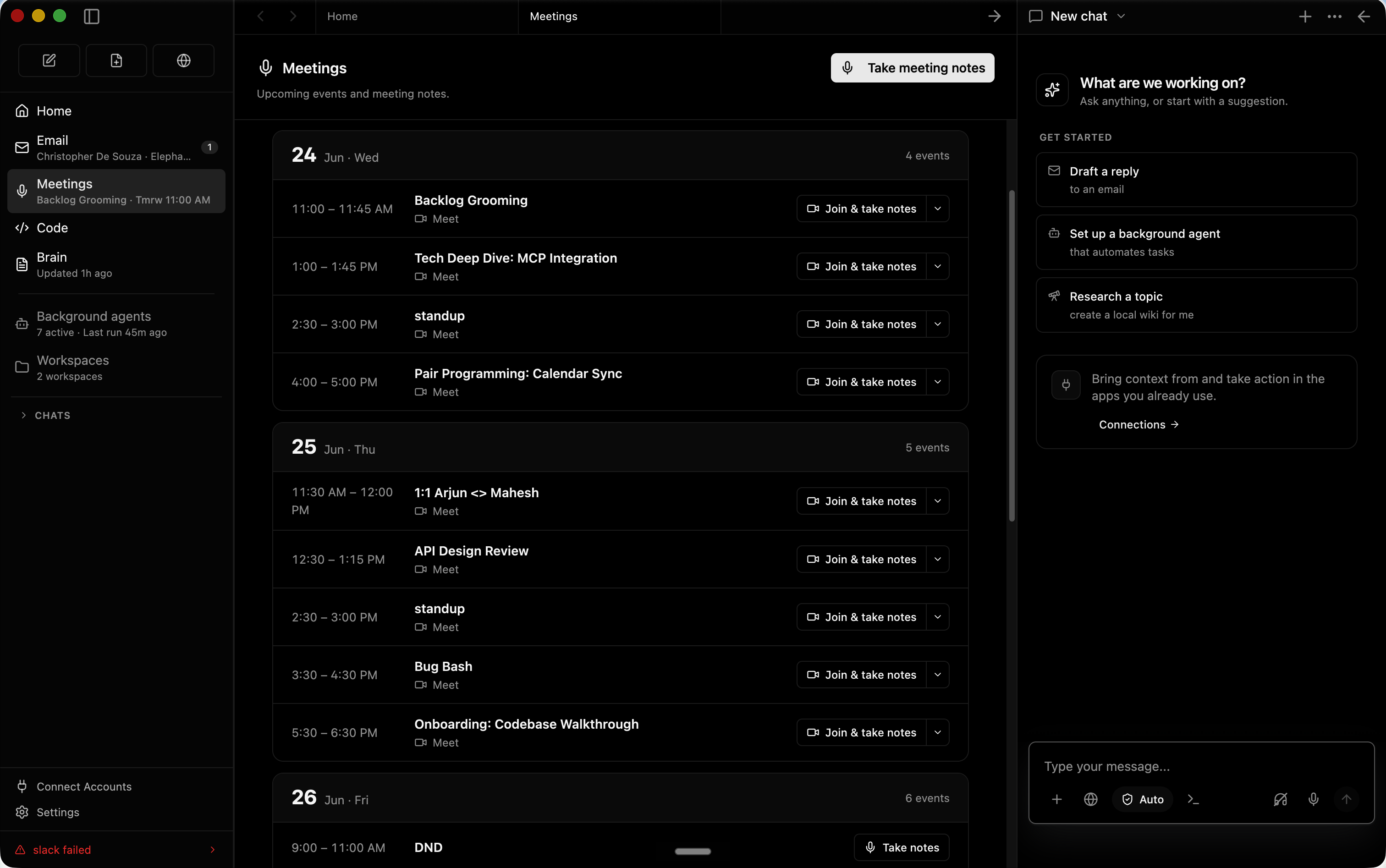
Meeting NotesA local meeting note-taker that taps into mic & speaker, produces live transcript and summarizes the meeting in a markdown file and updates the knowledge graph. |
|
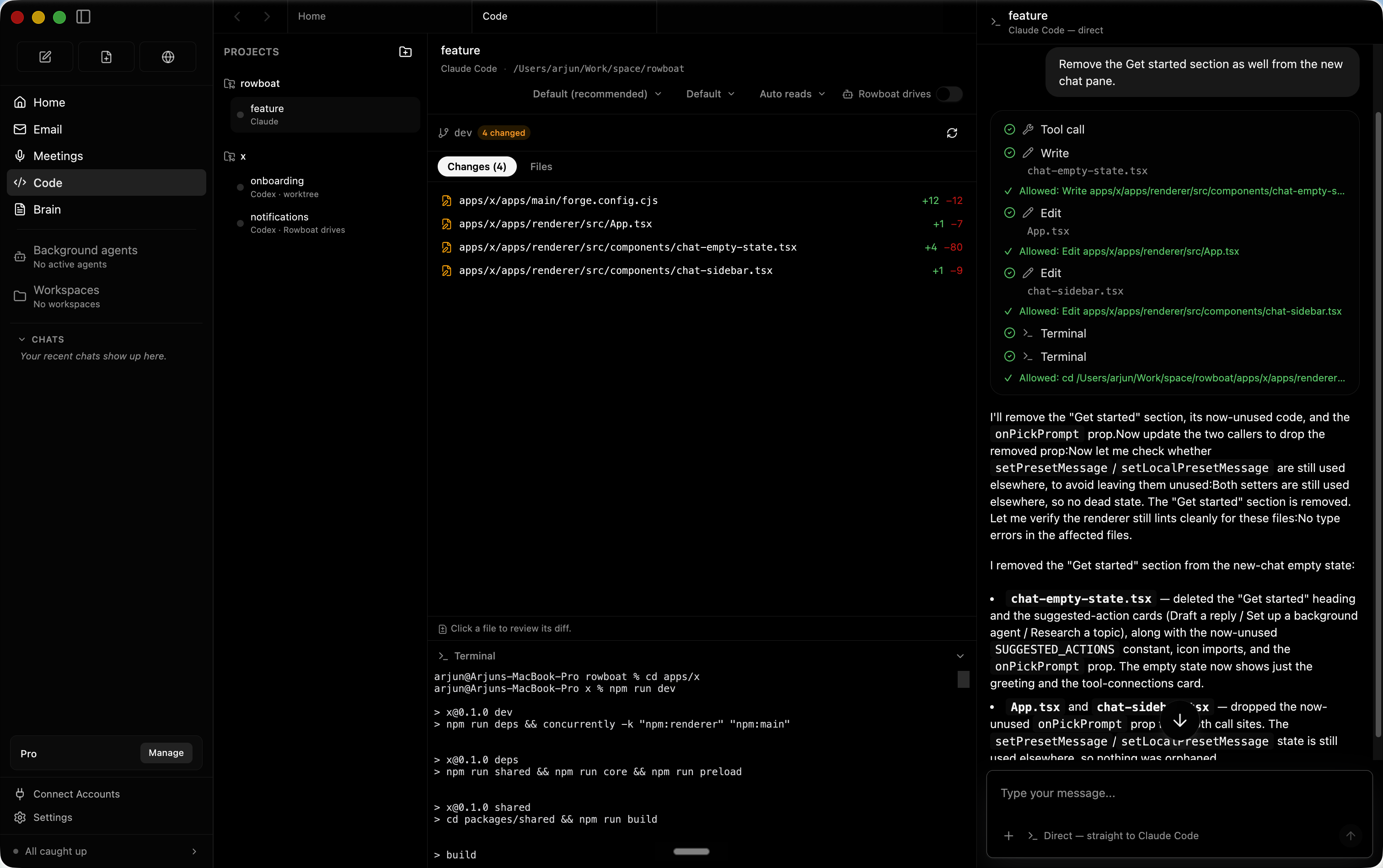
Code ModeCode mode lets you spin up parallel coding agents with Claude Code or Codex, and have Rowboat drive them with all the work context where needed. |
|
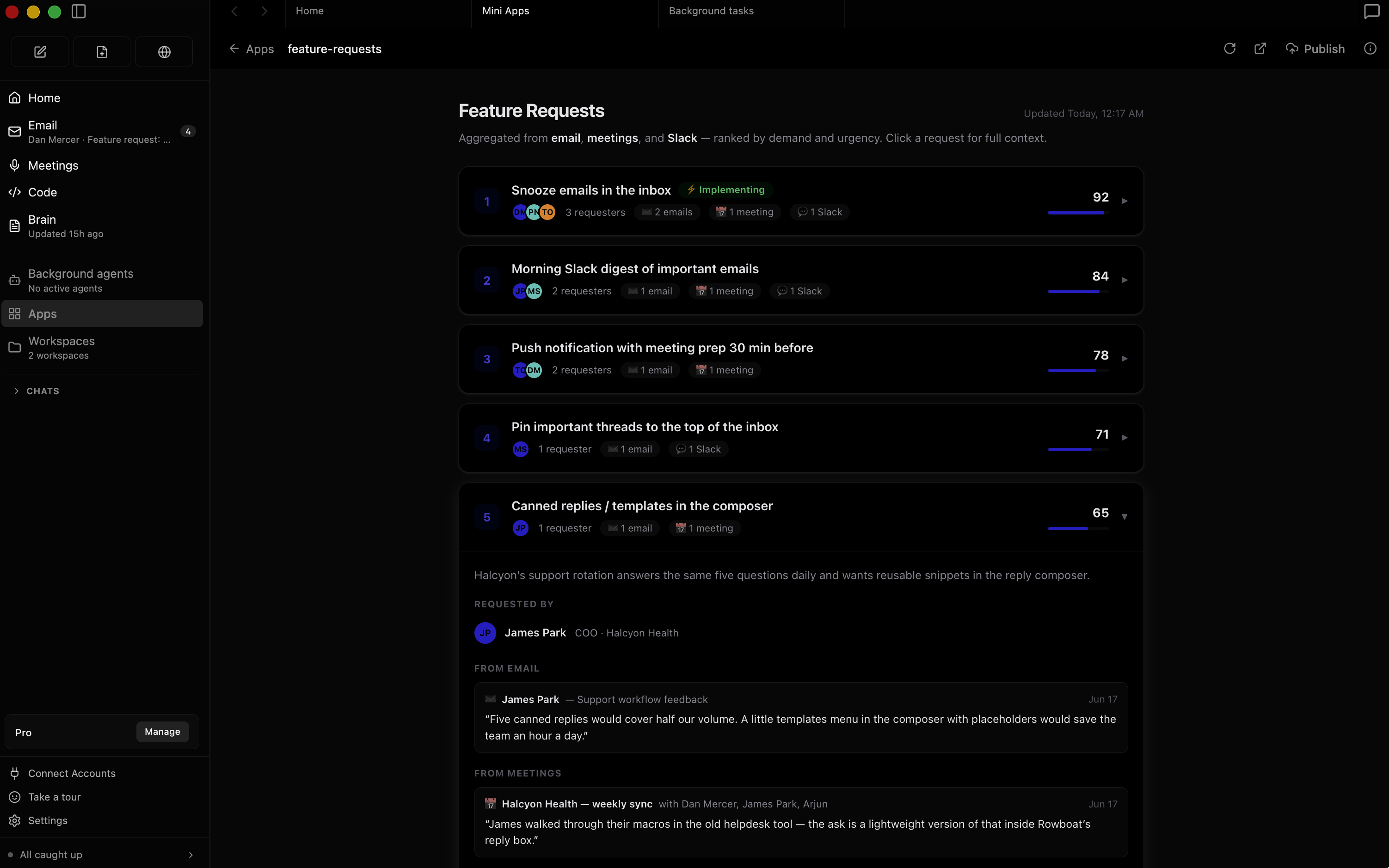
AppsYou can build your own work surfaces inside Rowboat — they get access to all the tools and integrations, and you can share them with other people. |
|
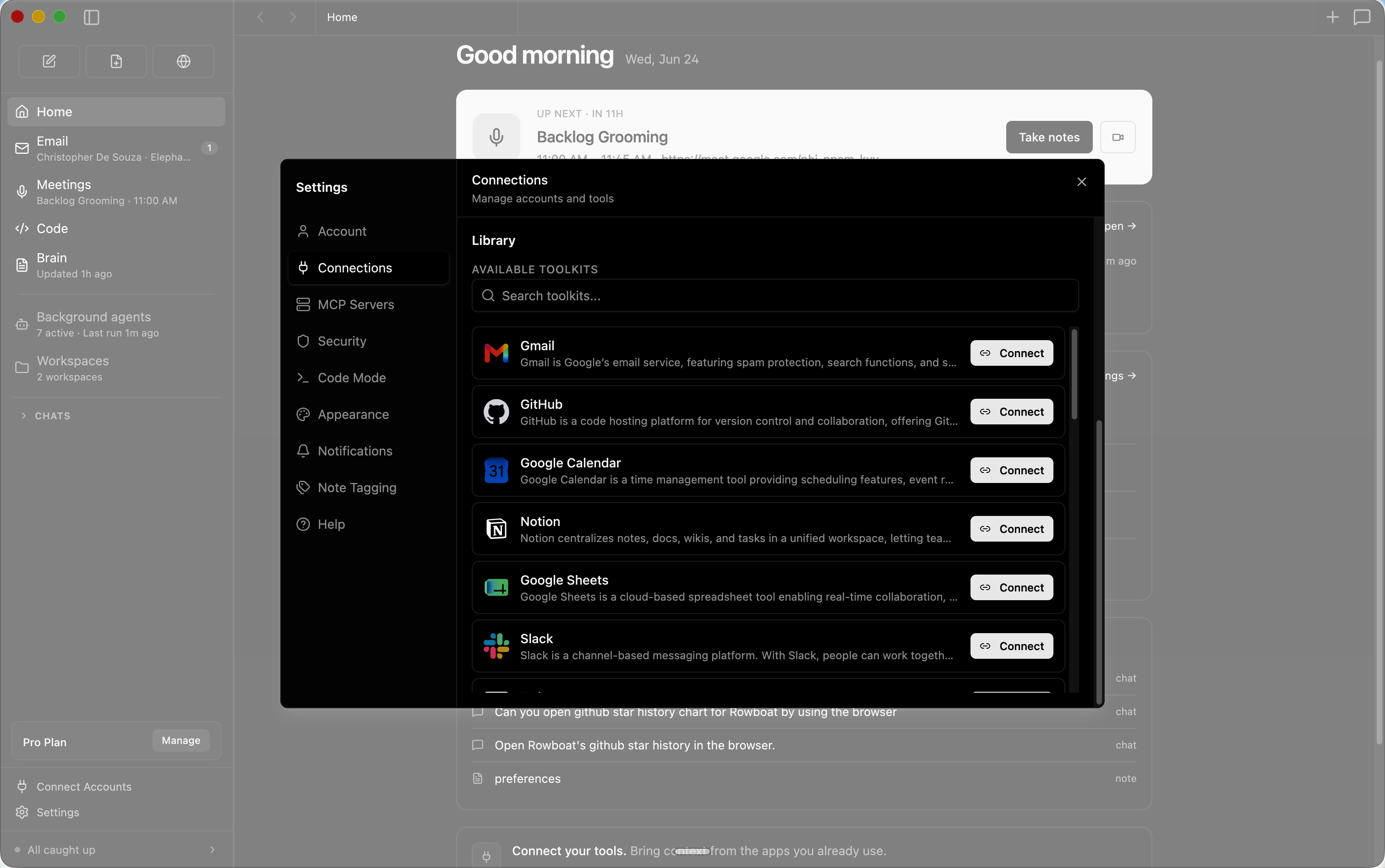
IntegrationsIncludes one-click integrations to most popular products. |
|
Installation
Download latest for Mac/Windows/Linux: Download
All release files: https://github.com/rowboatlabs/rowboat/releases/latest
Google setup
To connect Google services (Gmail, Calendar, and Drive), follow Google setup.
Voice input
To enable voice input and voice notes (optional), add a Deepgram API key in ~/.rowboat/config/deepgram.json
Voice output
To enable voice output (optional), add an ElevenLabs API key in ~/.rowboat/config/elevenlabs.json
Web search
To use Exa research search (optional), add the Exa API key in ~/.rowboat/config/exa-search.json
External tools
To enable external tools (optional), you can add any MCP server or use Composio tools by adding an API key in ~/.rowboat/config/composio.json
All API key files use the same format:
{
  "apiKey": "<key>"
}
How it’s different
Most AI tools reconstruct context on demand by searching transcripts or documents.
Rowboat maintains long-lived knowledge instead:
- context accumulates over time
- relationships are explicit and inspectable
- notes are editable by you, not hidden inside a model
- everything lives on your machine as plain Markdown
The result is memory that compounds, rather than retrieval that starts cold every time.
Bring your own model
Rowboat works with the model setup you prefer:
- Local models via Ollama or LM Studio
- Hosted models (bring your own API key/provider)
- Swap models anytime — your data stays in your local Markdown vault
Extend Rowboat with tools (MCP)
Rowboat can connect to external tools and services via Model Context Protocol (MCP). That means you can plug in (for example) search, databases, CRMs, support tools, and automations - or your own internal tools.
Examples: Exa (web search), Twitter/X, ElevenLabs (voice), Slack, Linear/Jira, GitHub, and more.
Local-first by design
- All data is stored locally as plain Markdown
- No proprietary formats or hosted lock-in
- You can inspect, edit, back up, or delete everything at any time
Releases
Release information has not been added yet.
Related articles
Guides and news that mention this tool.


Build a RAG Chatbot over Your Google Drive Documents

Build an AI Assistant on Telegram (Voice + Text) with n8n
Build an AI Assistant on WhatsApp (Voice + Text) with n8n
AI Agents in Zapier vs Make vs n8n: Which Is Best?
What Is n8n? The Open-Source Workflow Automation Tool Explained
AI Email Labeling in Gmail with OpenAI
Complete your AI stack
Add a general assistant, research, coding, monitoring, and team productivity to your automations.


Best alternatives
Compare similar tools in the same category.


