Best Images AI Tools
Generate, edit, enhance, organize, and create visual content with AI.
Showing 8 of 8 tools
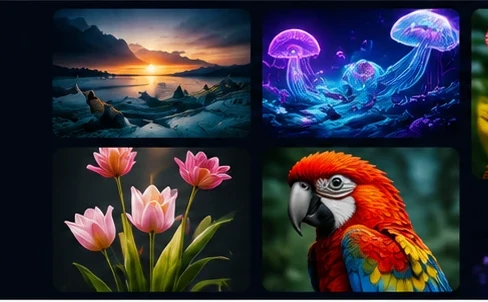

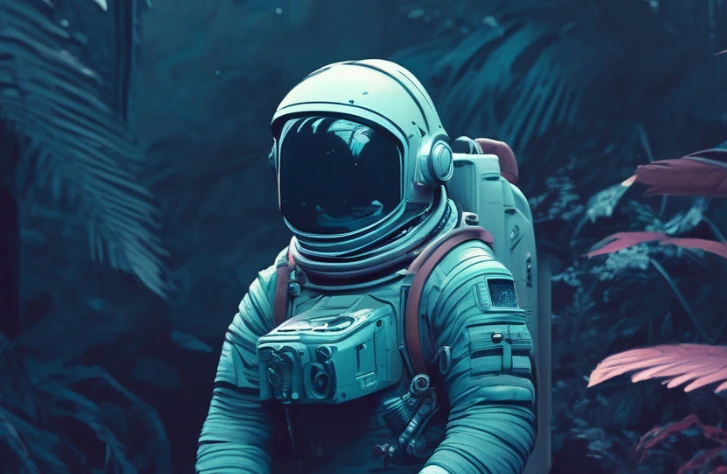



AI image tools create pictures from text, edit and upscale photos, remove backgrounds, design graphics and help with interface mock-ups. This page compares image generators, AI photo editors, design assistants and open-source image models you can run yourself.
How to choose an AI image tool
Decide what you need most: realistic photos, illustrations, product shots, logos and vector graphics, or edits to existing images. Compare image quality on your own prompts, how well the tool renders text inside images, editing controls such as inpainting and style reference, output resolution and the license for commercial use.
Hosted apps or local models
Hosted apps are easy to use and fast to start. Open-source models and interfaces such as Stable Diffusion workflows run on your own GPU, give more control and no per-image fees, but need technical setup. Whichever you choose, avoid prompts that copy real people, brands or protected characters.
FAQ
Can I use AI-generated images commercially?
Many tools allow commercial use on paid plans, but the terms differ by tool and plan. Read the license and keep a record of how important images were created.
What is the best AI tool for editing photos?
It depends on the edit. Background removal, upscaling and object removal are handled well by many dedicated tools, while larger changes need a generator with inpainting or editing features.
Do I need a powerful computer for AI images?
Not for hosted tools, which run in the browser. Running image models locally works best with a modern GPU and enough video memory.